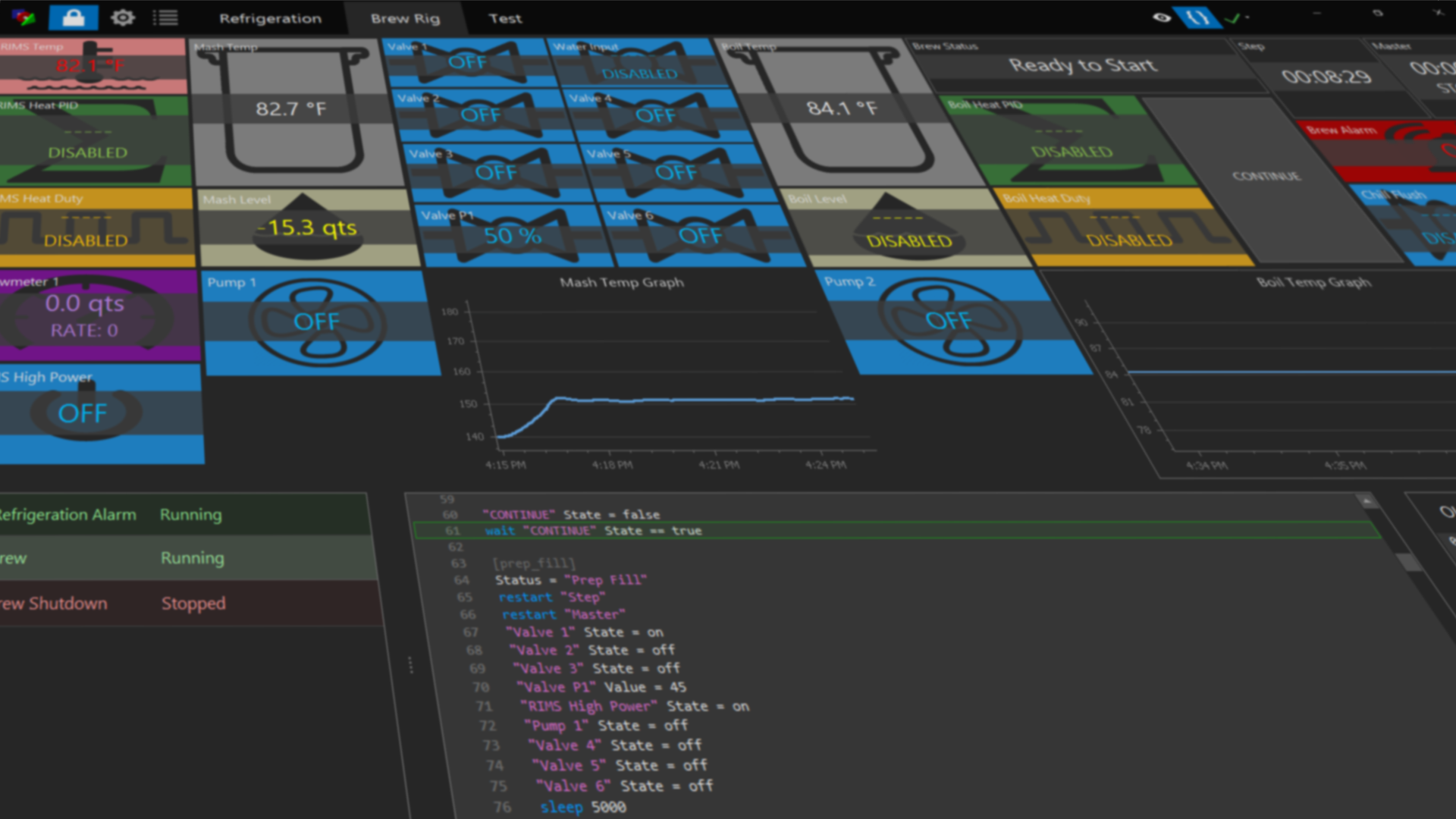

Thank you for your interest in BruControl! Download the application here. Please take the following steps to install the BruControl software application. After installation, view the the Quick Start page to activate and connect BruControl.
Versions
v1.3 Beta
This version is beta and should not be used in a production environment. Requires interface firmware versions 46F or newer. For users upgrading, make backup copies of both existing Application files and Data files! See User Manual appendix section “Upgrade from v1.2RC” for details. Please note: the application is now a single executable file. BruControl v1.3.0.1 Beta, Updated 2/1/26
v1.2 Release Candidate (Recommended):
This version is considered stable and may be used in a production environment. Requires interface firmware versions 45O or newer. For users upgrading, make a backup copy of the User files first! See User Manual appendix section “Upgrade from v1.0” for details
Automatic Installer Version (recommended) – Download, run, and follow prompts.
BruControl v1.1.0.22 (Build 22 / v1.2 RC, Updated 7/30/22, installer executable)
Manual Install Version – Download, unzip, install support files – follow the Installation Product Note to for directions (applies to versions 1.1.0.15 and higher). BruControl v1.1.0.22 (Build 22 / v1.2 RC, Updated 7/30/22, zip file)
Released Version
v1.2 Release Candidate should be used.
System Requirements (see User Manual for details):
- Windows 7, 8, 10, or 11. 32 bit or 64 bit editions. (Windows XP and Vista may be compatible but are not officially supported).
- If installing on Windows 7, the .NET 10 Desktop Runtime or higher must be installed. See https://dotnet.microsoft.com/en-us/download
- BruControl is functional software, but requires a license to communicate with micro-controller interfaces.
- Please see User Manual for full System Requirements.